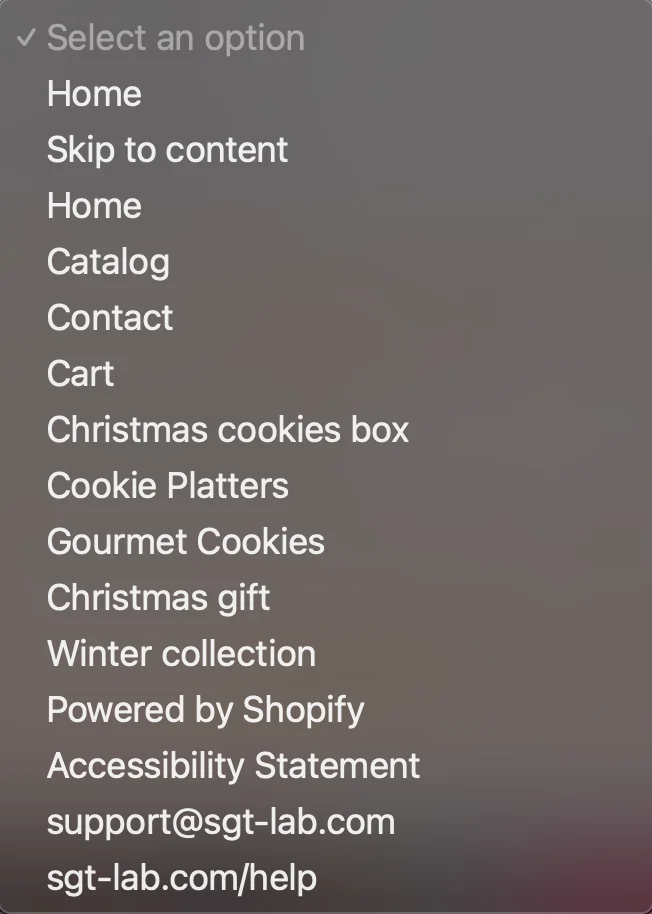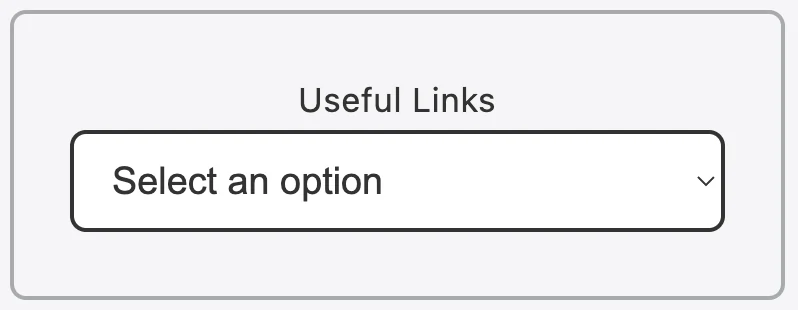
Useful Links is Accessibility‘s feature which allow users to quickly navigate to part of the page, a website,…
To open Useful Links menu for Accessibility, kindly follow these steps below:
- Step 1: Look for
 icon on the bottom right of the page.
 - Step 2: Click on the icon to open app’s menu.
- Step 3: Scroll down to find Useful Links at the bottom of the app.
- Step 4: Clicking on Select an option to open drop-down menu. User can choose from the list where they want to navigate to.