If something’s not syncing, here are a few things to check:
-
Make sure your internet connection is stable.
-
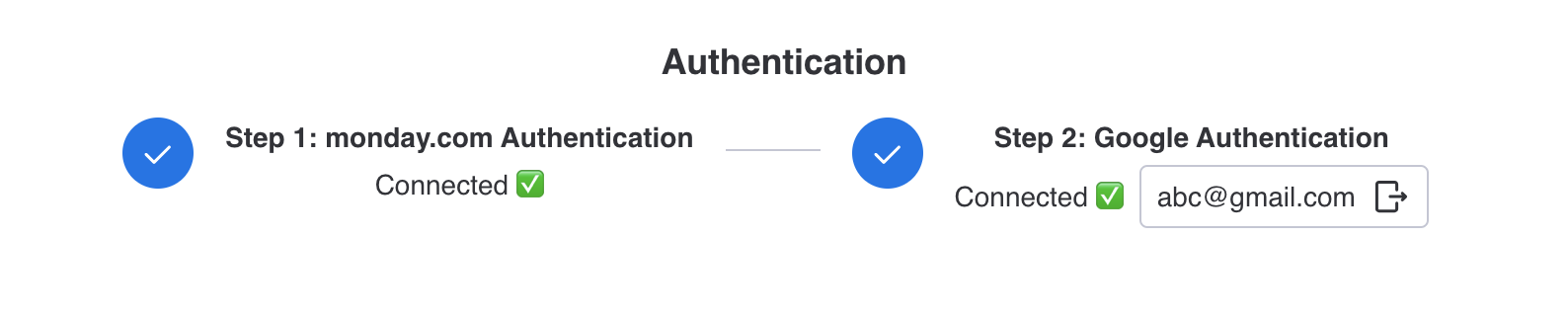
Make sure both your Google and monday.com accounts are connected.
- Confirm that your sync direction is set correctly (one-way or both).

- Check your field mappings — columns must be mapped for data to appear.
If you still can't find the casue, try these steps to get things moving again:
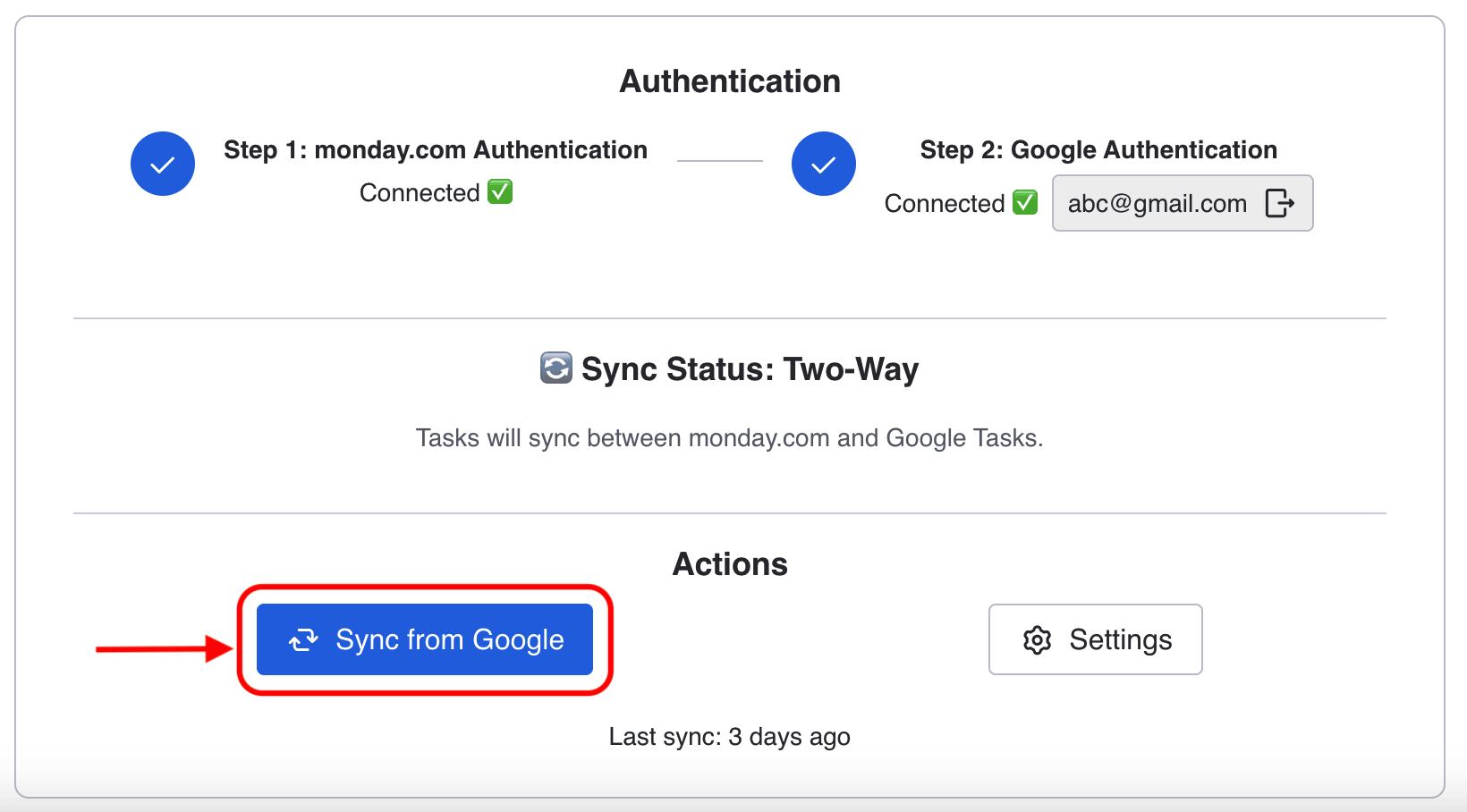
- Click Sync from Google
-
Refresh the board.
-
Reconnect your accounts from the settings.