
Here are some ways you can stop syncing:
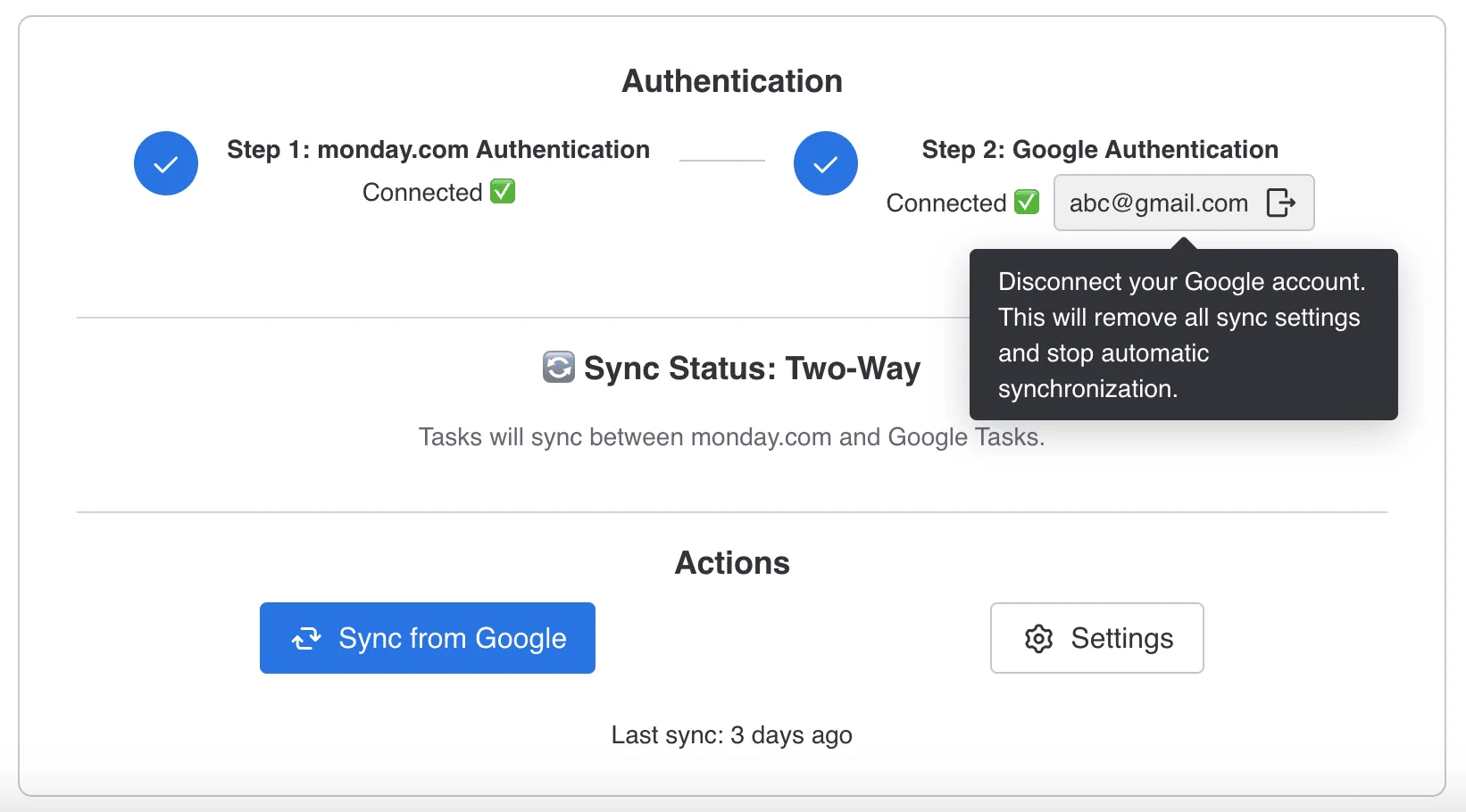
- Uncheck the sync direction boxes.

- Click your Google account to disconnect your Google Tasks account (or to switch accounts).
More in Google Tasks & Calendar Sync (monday.com)
- Key Features & How It Works
- What is Google Tasks & Calendar Sync for monday.com? What does this app do?
- Billing and Refund Policy
- Upgrading or Downgrading Plans
- Plan & Pricing
- Do I need to connect both accounts?
- How can I change the Google account?
- Google Tasks & Calendar Sync – Installation & Setup Guide