To enable/disable Accessibility on your device or PC, kindly follow these steps below:
- Step 1: Go to your Shopify account settings.
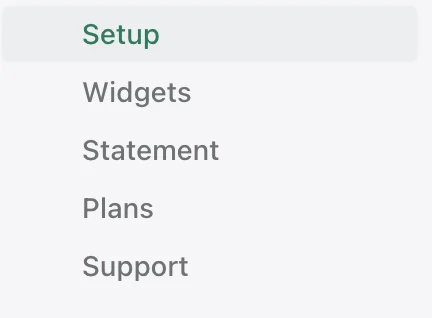
- Step 2: Find Accessibility in the left menu and click on it to open the dropdown menu.
- Step 3: Select Setup to go to the Setup page.
- Step 4: On the Setup page, find Theme Customizer and click on it to go to customizer screen.

- Step 5: After being transferred to customizer screen, you should see button Theme on the left side of your screen. Toggle it to turn on or off Accessibility as desired.

- Step 6: Click Save (at top right of the page) to apply your changes. This should enable/disable Accessibility on your device or PC.