To customize the app icon for Accessibility, kindly follow these steps below:
- Step 1: Go to your Shopify account settings.
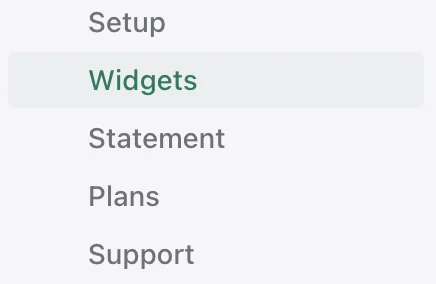
- Step 2: Find Accessibility in the left menu and click on it to open the dropdown menu.
- Step 3: Select Widget to go to the Widgets page.
- Step 4: After being transferred to Widgets page, you will see icon customizing area from this page.
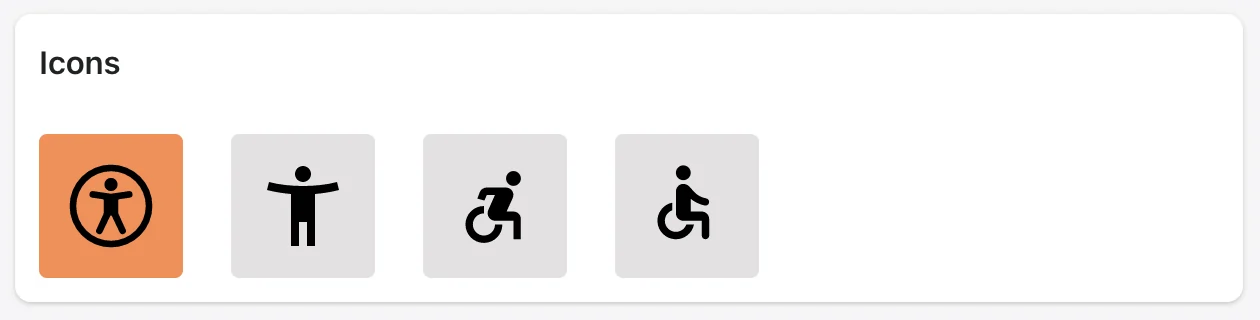

and so on.
- Step 5: Click Save button at the top right of the screen to apply your change.