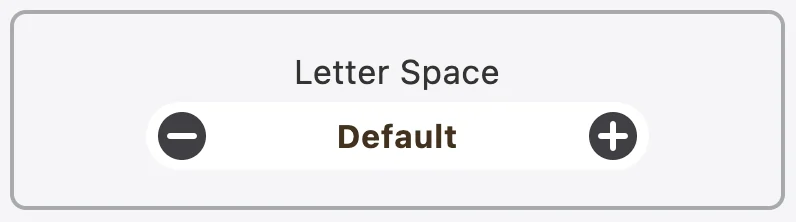
Letter Space is one of Accessibility‘s functions that allows users to change the space between texts to their liking.
To customize the space between texts for Accessibility, kindly follow these steps below:
- Step 1: Look for
 icon on the bottom right of the page.
 - Step 2: Click on the icon to open app’s menu.
- Step 3: Scroll down to find Letter Space.
- Step 4: Users can customize the space between texts by pressing
 to make it smaller, and
  to make it bigger. The change will be applied immediately without any further action.