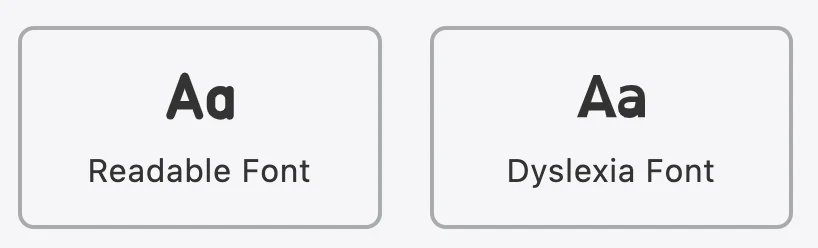
Accessibility has functions that allow users to change the font of the page to their liking.
To customize the font for Accessibility, kindly follow these steps below:
- Step 1: Look for
 icon on the bottom right of the page.
 - Step 2: Click on the icon to open app’s menu.
- Step 3: Scroll down to find font customizing area.
- Step 4: Users can freely change font from the page’s default font to Readable Font or Dyslexia Font. The change will be applied immediately without any further action.