
The app supports four types of mapping fields:
Google Tasks
-
Task Title
-
Task Status
-
Task Due Date
-
Task Link
Google Calendar
-
Event Title
-
Event Link
-
Event Start Date
-
Event End Date
-
Event Description
You can map multiple columns under each type within the same group.
For example, you can assign several columns to Task Title, but they all serve the same purpose: displaying the task title.
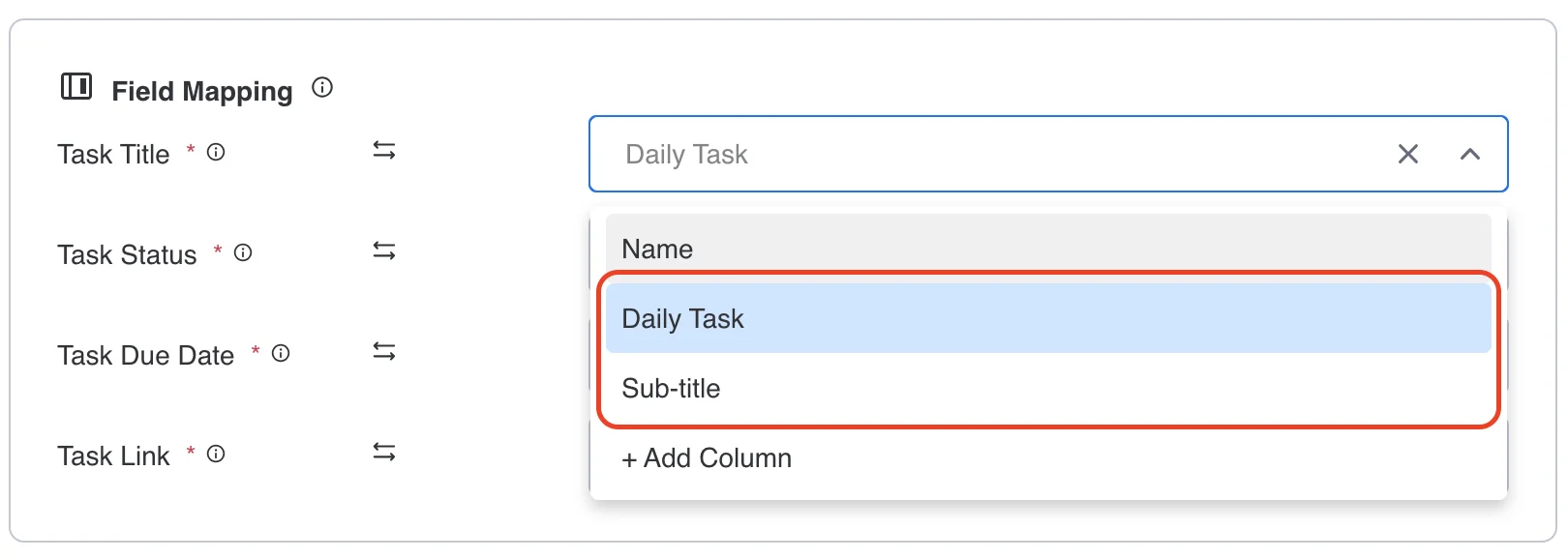

Columns that are not selected for the mapping setup will be ignored during sync, so they won’t display any synced data from Google Tasks or monday.com.
You can still manually type content into those columns if needed.
More in Google Tasks & Calendar Sync (monday.com)
- Key Features & How It Works
- What is Google Tasks & Calendar Sync for monday.com? What does this app do?
- Billing and Refund Policy
- Upgrading or Downgrading Plans
- Plan & Pricing
- Do I need to connect both accounts?
- How can I change the Google account?
- Google Tasks & Calendar Sync – Installation & Setup Guide