
Yes — to sync tasks & events between Google Tasks/Calendar and monday.com, you’ll need to connect both accounts.
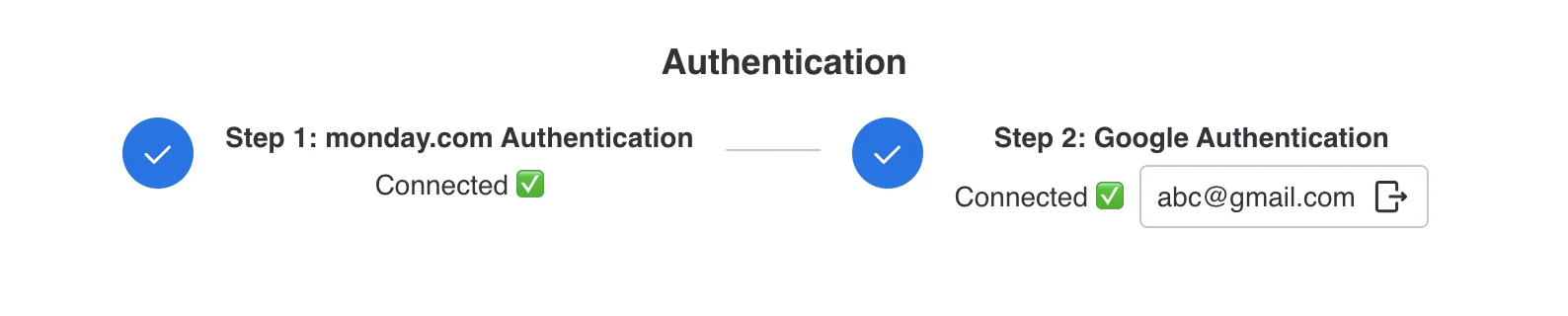
The app needs permission to read and write tasks on your behalf in both systems
This allows the app to create, update, and match tasks across both platforms. Don’t worry, it’s a quick one-time setup!
More in Google Tasks & Calendar Sync (monday.com)
- Key Features & How It Works
- What is Google Tasks & Calendar Sync for monday.com? What does this app do?
- Billing and Refund Policy
- Upgrading or Downgrading Plans
- Plan & Pricing
- How can I change the Google account?
- Google Tasks & Calendar Sync – Installation & Setup Guide
- How to Install Google Tasks & Calendar Sync?