
Meta Pixel, a tracking tool from Meta (Facebook), allows you to measure and optimize your ad campaigns. By using Custom Code Inserter, you can place the pixel code in your website and start tracking user actions and build audiences.
Here are the guiding for setting up Meta Pixel using Custom Code Inserter SGTLab:
Go to your Meta Business account and navigate to Events Manager. From there, select your Pixel and copy the base Pixel code.
Open the Custom Code Inserter SGTLab app on your Shopify store and set up as the following:
-
Title: Name it something easy to recognize like "Meta Pixel."
-
Description: Write a note like "Base Pixel tracking code for the entire store."
-
Add this code to: Choose Entire Store to ensure the Pixel fires on every page.
-
Code Details: Paste the Pixel code into the Header field. This ensures it loads early when customers visit your site.
Don't for get to click Save.
[image]
Now your Meta Pixel is installed across your store, ready to track important customer actions like page views, add-to-carts, and purchases — helping you run more effective ads and retargeting campaigns!
Related articles
 14 May, 2025
Boost Product Visibility in ChatGPT: A Complete Setup Guide
Sometimes, customers are just one step away from buying—but then they leave. Maybe they got distracted. Maybe they weren’t sure. Whatever the reason, that exit click doesn’t have to be the end of the story.
14 May, 2025
Boost Product Visibility in ChatGPT: A Complete Setup Guide
Sometimes, customers are just one step away from buying—but then they leave. Maybe they got distracted. Maybe they weren’t sure. Whatever the reason, that exit click doesn’t have to be the end of the story.
 09 May, 2025
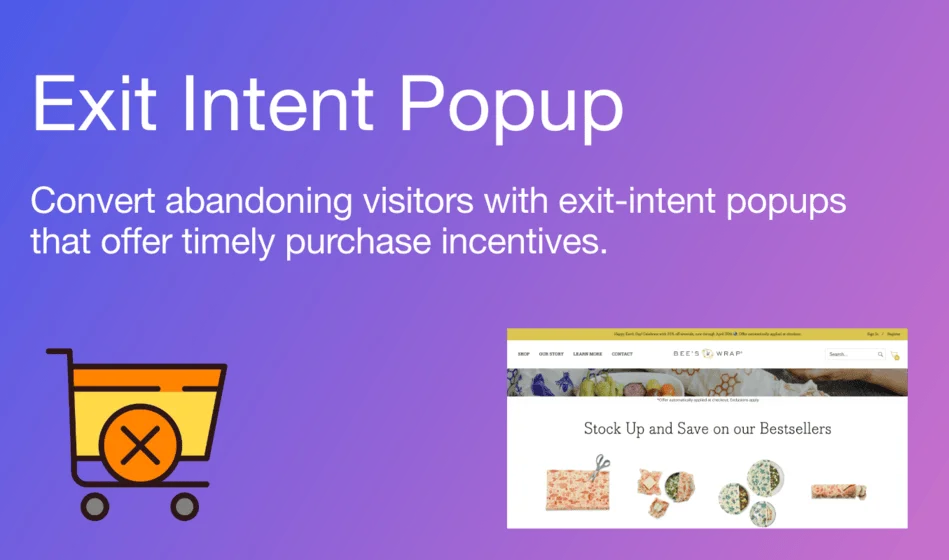
Exit-intent Popup Shopify Guide: Keep Visitors from Leaving your Store Without Buying
Sometimes, customers are just one step away from buying—but then they leave. Maybe they got distracted. Maybe they weren’t sure. Whatever the reason, that exit click doesn’t have to be the end of the story.
09 May, 2025
Exit-intent Popup Shopify Guide: Keep Visitors from Leaving your Store Without Buying
Sometimes, customers are just one step away from buying—but then they leave. Maybe they got distracted. Maybe they weren’t sure. Whatever the reason, that exit click doesn’t have to be the end of the story.
 29 Apr, 2025
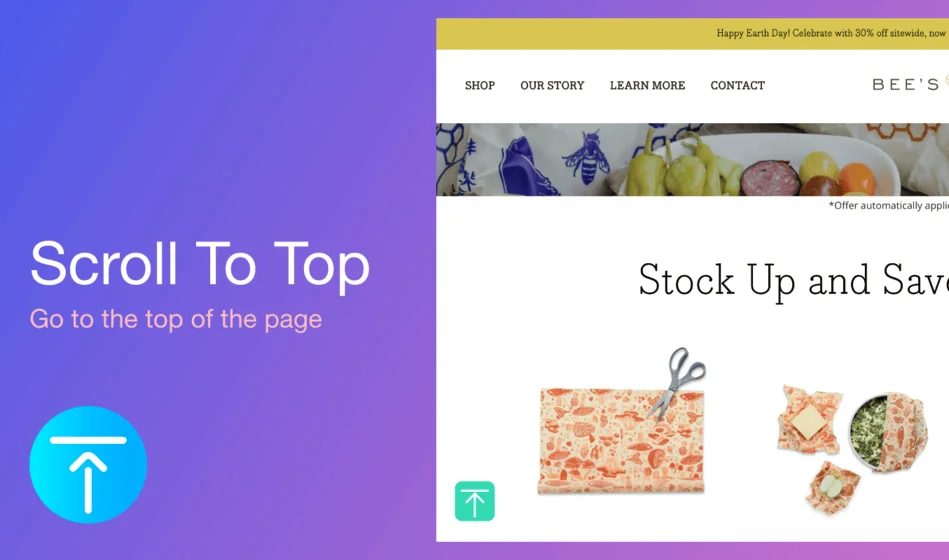
How to Add a Back to Top Button to Make Your Shopify Store Smoother and More User-Friendly
Users often have to scroll endlessly on long product or blog pages to return to the top. This friction can hurt navigation and overall user experience—especially on mobile.
29 Apr, 2025
How to Add a Back to Top Button to Make Your Shopify Store Smoother and More User-Friendly
Users often have to scroll endlessly on long product or blog pages to return to the top. This friction can hurt navigation and overall user experience—especially on mobile.