
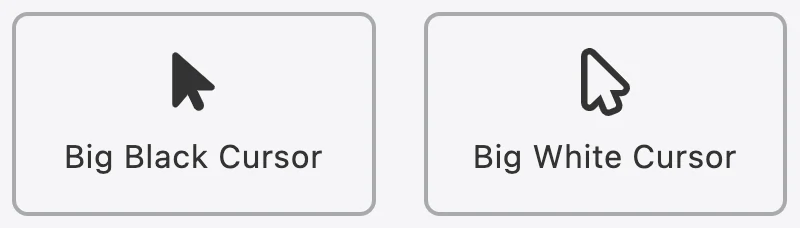
Accessibility has functions that allow users to change the cursor to their liking.
To customize cursor for Accessibility, kindly follow these steps below:
- Step 1: Look for
 icon on the bottom right of the page.
 - Step 2: Click on the icon to open app’s menu.
- Step 3: Scroll down to find cursor customizing area. Users can freely choose which cursor they want to use. The change will be applied immediately without any further action.
More in Accessibility FAQs
- Is the app available in any languages?
- What is Accessibility?
- How do I subscribe to the app?
- How to upgrade from monthly subscription to an annual one?
- Can I return the product and get a refund?
- Does the app have any in-app purchases?
- Does the app have free trials?
- What are the steps for installing Accessibility?